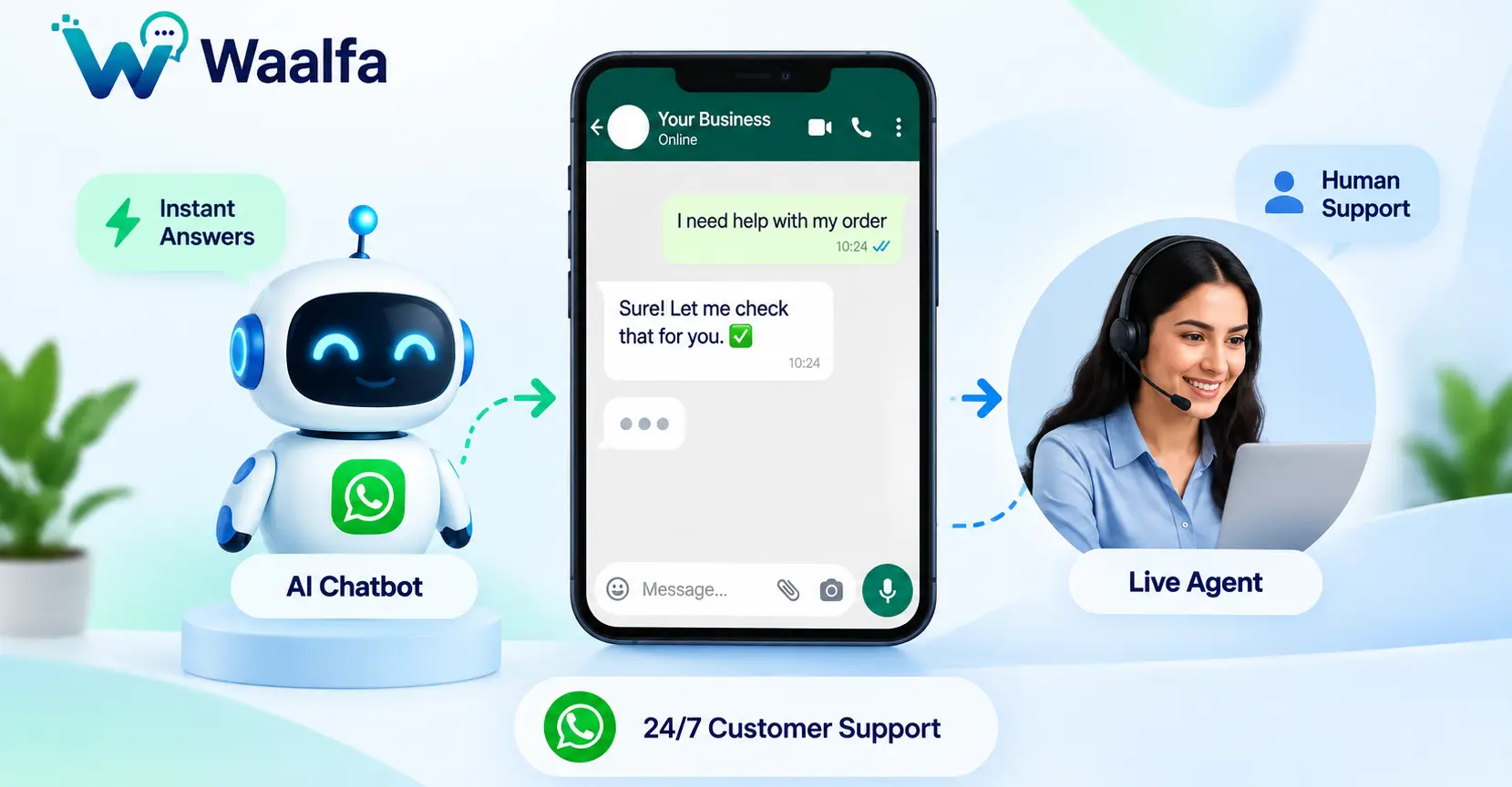
Customers expect fast answers on WhatsApp. But hiring more support agents is not always the best way to reduce response times. A better approach is to combine an AI chatbot for repetitive questions with live support for complex conversations.
This hybrid model creates a 24/7 WhatsApp customer service system where AI handles routine requests instantly while human agents step in when customers need judgment, empathy, or specialized assistance.
In this guide, you'll learn how to build a WhatsApp AI chatbot for customer support, create intelligent human handover rules, connect business data, and measure whether automation is actually improving your support operation.

What Is a Hybrid WhatsApp Customer Service System?
A hybrid WhatsApp customer service system combines AI-powered automation and live-agent support in one customer journey.
Instead of forcing every customer to interact with either a chatbot or a human, the system decides which option is most appropriate for each conversation.
A typical workflow looks like this:
Customer Message → AI Understanding → Automated Response → Escalation → Human Agent → Resolution
AI can handle repetitive questions such as order status, business hours, product information, pricing, delivery details, FAQs, and basic troubleshooting.
When the request becomes complicated or requires human judgment, the chatbot can trigger a WhatsApp bot human handover and route the conversation to a live support agent.
Businesses can use WaAlfa's WhatsApp Business Platform capabilities to build automated customer communication, AI chatbot workflows, APIs, webhooks, analytics, and team-based support.
Why Combine AI Chatbots With Live Support?
Customer support teams often receive the same questions repeatedly. Agents may spend valuable time answering requests that could be handled automatically.
Common examples include:
- Where is my order?
- What are your business hours?
- How can I track my order?
- What payment methods do you accept?
- What is your return policy?
- How long does delivery take?
- How can I book an appointment?
- How can I get product information?
An AI chatbot can answer supported questions immediately, allowing agents to focus on conversations that require deeper investigation or personal assistance.
Key Benefits of Hybrid WhatsApp Support
- 24/7 availability: AI can provide automated assistance outside normal business hours.
- Faster first responses: Customers do not always need to wait for an available agent.
- Lower repetitive workload: Routine questions can be handled automatically.
- Better agent productivity: Human teams can focus on complex cases.
- Smart escalation: Customers can be transferred when automation is not appropriate.
- Scalable support: Automation can handle large volumes of routine conversations.
How a WhatsApp AI Chatbot for Customer Support Works
A reliable WhatsApp AI chatbot for customer support should do more than generate replies. It should understand customer intent, access trusted information, follow business rules, and know when to involve a human.
1. Customer Sends a WhatsApp Message
The customer sends a question, request, complaint, or other message through WhatsApp.
2. AI Identifies the Customer's Intent
The AI analyzes the conversation to determine what the customer is trying to accomplish.
For example, the intent might be:
- Order tracking
- Product enquiry
- Appointment booking
- Refund request
- Technical support
- Billing question
- Human-agent request
3. The System Retrieves Relevant Information
Where necessary, the chatbot can connect to approved business information or backend systems to retrieve relevant data.
Depending on the implementation, this could include CRM records, product information, order systems, knowledge bases, appointment systems, or support-ticket data.
4. AI Provides the Response
If the request is within the chatbot's capabilities, it can answer the customer or guide them through an automated workflow.
5. The System Checks for Escalation
If the AI cannot confidently resolve the issue, or if a predefined business rule requires human intervention, the conversation should move to the next stage.
6. Human Agent Takes Over
The conversation is routed to a live support agent with relevant context so the customer does not have to repeat the entire issue.
What Is WhatsApp Bot Human Handover?
WhatsApp bot human handover is the process of transferring a customer conversation from an automated chatbot to a human support representative.
The objective is not simply to stop the chatbot. The objective is to create a smooth transition from automation to human assistance.
A useful handover can provide the agent with:
- Customer name
- Conversation history
- Detected customer intent
- Order or ticket information, where appropriate
- Actions already performed by the bot
- Reason for escalation
- Customer priority or segment
With this information, the agent can continue the conversation instead of starting from the beginning.
When Should a WhatsApp Bot Transfer a Customer to a Human?
A good chatbot needs clear boundaries. The AI should not attempt to answer every question simply because it can generate text.
Customer Explicitly Requests an Agent
If a customer asks to speak with a human, the system should provide an appropriate route to live support.
The AI Cannot Confidently Answer
If the required information is unavailable or the chatbot cannot confidently determine the customer's intent, human escalation is preferable to guessing.
The Issue Is Complex
Complex technical issues, unusual account problems, complicated complaints, and multi-step cases may require an experienced support representative.
The Customer Is Frustrated
Repeated failed interactions, negative sentiment, or an unresolved complaint can be useful triggers for human handover.
The Conversation Is Sensitive
Some issues require additional care or specialist review. Businesses should define escalation rules for sensitive conversations based on their industry and internal policies.
Human Approval Is Required
Refunds, exceptions, account changes, compensation, or other actions may require approval from an authorized employee.
AI Chatbot vs Live Support
| Capability | AI Chatbot | Live Support |
|---|---|---|
| 24/7 availability | Excellent | Depends on staffing |
| Instant routine answers | Excellent | Depends on queue |
| FAQ handling | Excellent | Repetitive for agents |
| Complex problem solving | Limited | Strong |
| Empathy and judgment | Limited | Strong |
| Escalation management | Routes the conversation | Resolves the conversation |
| Scalability | High for supported tasks | Requires additional staffing |
The strongest customer service model is therefore often AI plus human support, rather than choosing between the two.
Can You Use ChatGPT for WhatsApp Business?
Businesses searching for ChatGPT for WhatsApp business should understand the difference between the ChatGPT consumer service and building an AI-powered WhatsApp business integration.
The official ChatGPT service previously available through WhatsApp was discontinued after January 15, 2026. Businesses should not assume that the consumer ChatGPT WhatsApp service is still available for business customer support.
Instead, businesses can build their own AI-powered customer support architecture by connecting an AI API to the WhatsApp Business Platform.
The architecture can look like:
WhatsApp Business Platform → Backend → AI API → Business Data → WhatsApp Response
For businesses developing their own AI layer, the OpenAI API documentation provides developer resources for integrating AI capabilities into applications.
The important distinction is that ChatGPT is not the WhatsApp business channel itself. Your application connects the WhatsApp Business Platform with an AI service and your business systems.
How to Build a Hybrid WhatsApp AI Support System
A scalable architecture should separate messaging, AI processing, business data, automation, and human support.
Layer 1: WhatsApp Business Platform
This is the customer-facing communication layer where messages are received and sent.
Layer 2: API and Webhooks
Your backend can receive incoming messages and relevant events, identify the customer, and trigger the appropriate workflow.
WaAlfa provides WhatsApp API and webhook documentation for businesses integrating messaging functionality into their applications and workflows.
Layer 3: AI Engine
The AI engine interprets the customer's message and determines the most appropriate response or action based on the instructions and information available to it.
Layer 4: Business Data
The AI should use trusted business information when answering questions that depend on current data.
Examples include:
- Product catalogue
- Order database
- CRM
- Knowledge base
- Appointment system
- Support-ticket system
Layer 5: Human Support
When the escalation conditions are met, the conversation should be routed to an appropriate agent or support team.
A shared team inbox can help multiple support representatives manage WhatsApp conversations from a centralized workspace.

How to Create Smart Human Handover Rules
Human handover should be based on clearly defined conditions rather than random chatbot failures.
Useful escalation rules include:
- Customer explicitly requests a human agent.
- AI cannot determine the customer's intent.
- Required business information is unavailable.
- Customer repeats the same question multiple times.
- Customer indicates strong dissatisfaction.
- The issue requires specialist knowledge.
- The action requires employee approval.
- The conversation involves a sensitive issue.
- The AI reaches a predefined confidence or safety boundary.
These rules reduce the risk of frustrating customers with repetitive automated responses.
How to Reduce WhatsApp Customer Support Response Time
If your objective is to significantly reduce ticket response time, focus on the entire support workflow instead of simply adding an AI chatbot.
Automate High-Volume Questions
Start by identifying the questions your support team receives most frequently. Automate the requests that have clear and reliable answers.
Connect Real Business Data
When customers ask about orders, appointments, subscriptions, products, or account information, the chatbot may need access to current business data.
Route Conversations Automatically
Use intent and business rules to route conversations to the correct support team instead of placing every customer in the same queue.
Preserve Conversation Context
The human agent should receive enough context to understand what the customer has already asked and what the chatbot has already attempted.
Measure the Baseline
Record current first-response time, resolution time, ticket volume, escalation rate, and customer satisfaction before introducing automation.
An 80% reduction in response time can be used as a business target, but it should not be presented as a guaranteed result. Actual improvements depend on ticket volume, automation coverage, integration quality, staffing, and the complexity of customer requests.
Metrics to Measure Hybrid WhatsApp Support
Support managers should track both chatbot performance and human-agent performance.
- First response time: How quickly the customer receives the first useful response.
- AI resolution rate: Percentage of eligible conversations resolved without human intervention.
- Handover rate: Percentage of conversations transferred to live agents.
- Handover accuracy: Percentage of conversations routed to the correct team.
- Average resolution time: Time required to resolve a customer issue.
- Repeat contact rate: Percentage of customers contacting support again for the same issue.
- Customer satisfaction: Customer feedback after support interactions.
- Agent workload: Number and type of conversations handled by human representatives.
- Automation coverage: Percentage of support requests that can be safely automated.
Common WhatsApp AI Customer Support Mistakes
Trying to Replace Human Support Completely
AI is useful for automation, but some conversations require human judgment, empathy, or specialist expertise.
Allowing the AI to Guess
A chatbot should not invent order details, pricing, policies, availability, or account information. If trusted information is unavailable, the safer approach is to ask for clarification or escalate.
Making Human Handover Difficult
If customers repeatedly ask for an agent and the chatbot continues producing automated responses, the support experience can quickly become frustrating.
Losing Conversation Context
Forcing customers to repeat their problem after handover defeats much of the benefit of an automated support system.
Automating Without Measuring
A chatbot should be evaluated based on business outcomes such as resolution time, customer satisfaction, escalation quality, and support workload—not simply the number of automated messages sent.
Ignoring Privacy and Compliance
Customer conversations may contain personal information. Businesses should define appropriate data collection, storage, access, retention, and security practices.
Review the WaAlfa privacy policy and applicable WhatsApp requirements when designing your customer communication workflow.
Best Practices for a WhatsApp AI Chatbot
- Start with simple, high-volume support questions.
- Use reliable and approved business information.
- Define clear escalation rules.
- Always provide an appropriate human-support path.
- Preserve conversation context during handover.
- Route specialized issues to the correct team.
- Monitor chatbot failures and customer feedback.
- Review escalated conversations regularly.
- Limit AI permissions for sensitive business actions.
- Protect customer information.
- Follow WhatsApp Business Platform policies and applicable laws.
WaAlfa's documentation also emphasizes customer opt-in and clear opt-out mechanisms for WhatsApp communication. Read the WhatsApp API documentation.
AI First, Human When Needed
The goal of hybrid customer support is not to remove humans from the customer experience. It is to make sure human agents spend their time where human involvement creates the most value.
A simple model is:
Routine Request → AI → Resolution
Complex Request → AI → Human Handover → Agent → Resolution
This allows businesses to provide automated assistance around the clock while maintaining a human safety net for conversations that require additional attention.
Build Your WhatsApp AI Customer Service Machine With WaAlfa
WaAlfa provides WhatsApp Business Platform capabilities for businesses that want to build automated customer communication, including AI chatbots, shared team inboxes, workflows, APIs, webhooks and analytics.
You can explore the WaAlfa API Playground to review available API functionality, or visit the WaAlfa documentation for integration guidance.
The best place to start is simple: identify your most repetitive support questions, automate the ones that can be answered reliably, create clear human-handover rules, and connect your support team through a shared workflow.
AI should handle what it can. Humans should handle what matters.
That is the foundation of a scalable 24/7 WhatsApp customer service system.


